
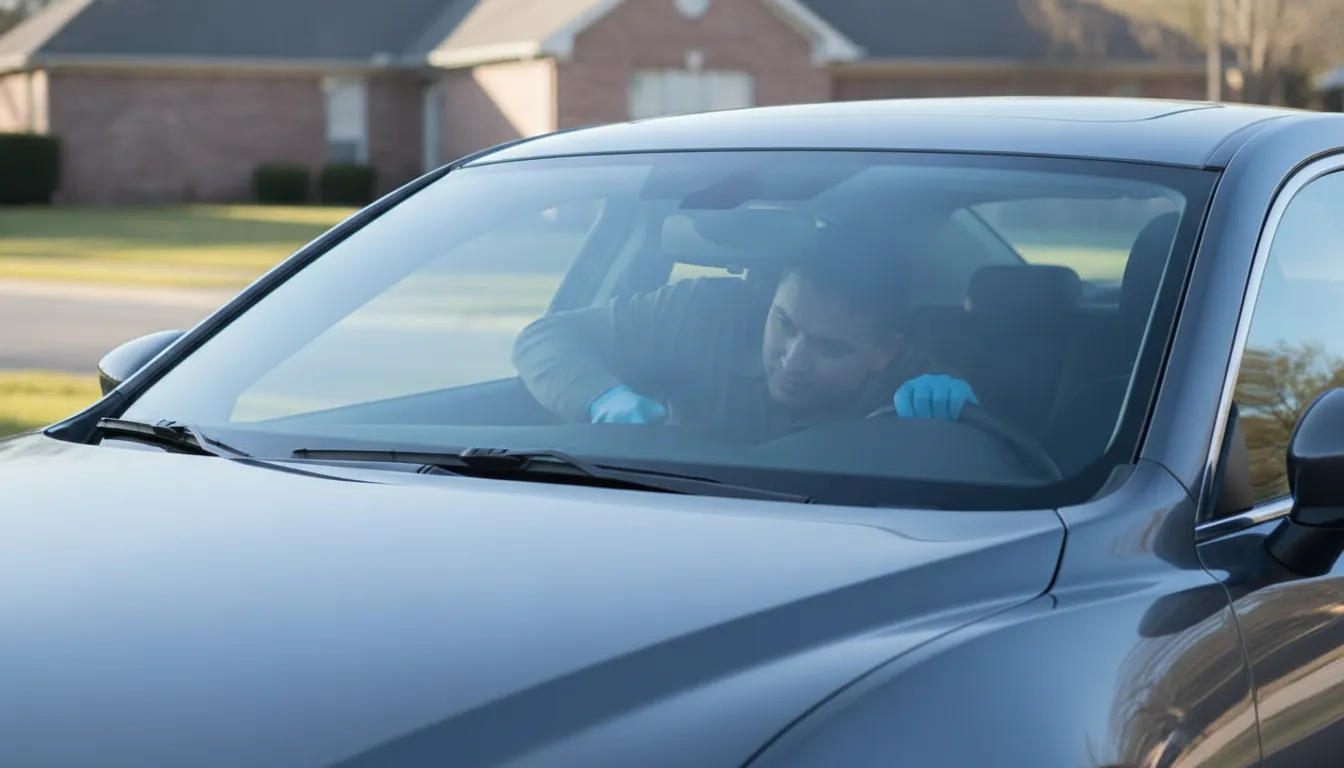
A clear windshield camera view is what lets several driver-assistance alerts see the road. If frost, a film, a chip, or a new piece of glass sits in that small patch, the system may go quiet or show a warning. That is a visibility problem first. It is not, by itself, proof that the camera needs calibration.
Check the glass in front of the camera before you assume the car needs a shop calibration. Clean that patch, note any chip or crack, and write down the exact dash message. If the warning stays after the glass is clear and dry, call a glass shop rather than guessing at a reset.
What Is a Windshield Camera View?
Many late-model cars mount a forward camera at the top center of the windshield, just behind the rearview mirror. The windshield camera view is the narrow patch of glass that camera looks through. It is not the whole windshield. A chip low on the passenger side may not touch it. A film, sticker, or crack in that high center patch can.
That patch is the camera's window, not a decoration. If the glass there is cloudy, cracked, or replaced without the bracket seated correctly, the camera can lose the lane marks, vehicles, or pedestrians it was built to notice. IIHS describes these crash-avoidance features as systems that can warn you or act for a moment, while you remain the driver.
The camera does not drive the car. Features such as forward collision warning, automatic emergency braking, and lane alerts still depend on you watching the road. A blocked view can remove a backup warning. It does not remove your job behind the wheel.
You can usually see the housing from the driver's seat. It is a small dark module at the top of the glass. Some cars also use separate sensors in the bumper or mirrors. Those are a different path. This guide is only about the glass the forward camera looks through.
What Can Block a Windshield Camera View?
Obstructions fall into three groups: temporary films, glass damage, and hardware that sits in the optical path. A Kansas City morning can produce all three. Frost at dawn, road film by lunch, and a rock chip on I-35 are not the same repair.
- Frost, ice, or heavy rain: Moisture on the outside, or fog on the inside, can hide lane lines until the glass is clear.
- Snow, mud, or bug film: A thin gray haze is enough. The camera does not need a solid cover to lose contrast.
- Toll tags, dash cams, and suction cups: Anything parked in the black frit area near the mirror can cut the view.
- Aftermarket tint or a sun strip: Dark film at the top of the glass can sit directly in the optical path.
- A chip, crack, or bull's-eye: Even a small break in the camera patch can scatter light.
- A replacement windshield: Wrong glass, a shifted bracket, or adhesive in the view can change what the camera sees.
Location matters more than size. A dime-sized chip in the camera patch can matter more than a longer crack near the bottom edge. If you are unsure whether a chip is in that zone, photograph it from outside the car, with the mirror housing in the frame, before you drive.
Do not scrape the camera patch with a metal blade. Do not pour hot water on a frozen windshield. Thermal shock can turn a small chip into a running crack. Use the defroster, a plastic scraper, and washer fluid made for the season.
How Can You Tell a Blocked View From a Calibration Issue?
Drivers often treat every camera warning as a calibration job. That sends people to the wrong next step. A blocked windshield camera view and a calibration fault can show similar lights. The difference is what you can see on the glass, and whether the warning clears when that glass is clean.
| Clue | View problem | Calibration issue |
|---|---|---|
| When it starts | After frost, rain, or a new sticker. | After windshield replacement. |
| What you see | Film, fog, or a chip in the patch. | Clear glass and a steady warning. |
| What changes it | It clears once the patch is dry. | It stays on after cleaning. |
| Next step | Clean the patch and recheck. | Call a shop. Do not reset it. |
Cleaning is a test, not a repair for every warning. If the message disappears once the patch is dry, you have useful evidence that the glass was the problem. If it remains, stop troubleshooting menus. The owner's manual is the authority for what that exact message means on your car.
Kansas City weather makes this test worth doing before you book anything. A cold start in January can fog the inside of the glass for several minutes. A spring pollen film can do the same job more quietly. Neither one means the camera was knocked out of alignment overnight.
Write down the message word for word. "Camera unavailable," "driver assist limited," and a lane icon with a line through it are not interchangeable. A shop can use that wording. A paraphrase wastes the first phone call.
Which Everyday Habits Keep the Camera Patch Clear?
Most blocked views are ordinary. They come from how the car is parked, washed, and loaded, not from a failed computer. A short habit list prevents a lot of false warnings.
- Leave the frit area empty. Keep toll tags, dash cams, and air fresheners out of the dark band around the mirror.
- Clear frost before you move. Run the defroster until the camera patch is dry, not merely scraped in a circle.
- Replace streaking wipers. A worn blade can lay a film across the top of the sweep, right where the camera looks.
- Skip tint over the camera. If you add a visor strip, confirm it stops below the camera housing.
- Photograph new chips the same day. Note whether the damage sits in the camera patch, the driver's sight line, or the edge.
- Ask before glass work. Tell the shop the car has a forward camera so the bracket and glass spec are part of the quote.
The patch should look as clear as the glass in front of your eyes. If you would not want to read a road sign through that spot, do not expect the camera to do better. Washer fluid and a clean microfiber cloth are enough for film. They are not enough for a crack.
Interior haze is easy to miss. Off-gassing from plastic, vape residue, and cabin dust collect on the inside of the glass, including behind the mirror. Clean that side gently. Do not spray liquid directly into the camera housing or pry the cover off.
Highway driving around Kansas City throws sand and gravel at the glass for months at a time. A chip that starts outside the patch can travel as temperatures swing. Checking the top center once a week takes less time than diagnosing a warning light on the shoulder.
When Should Glass Damage in the Camera Patch Be Repaired?
A chip in the camera patch is not a cosmetic issue. It can scatter headlights and low sun into the lens, and it can grow. Whether it can be resin-repaired or needs replacement depends on size, location, and the vehicle. That call belongs to a technician who can see the glass, not to a general rule of thumb.
Do not put a DIY kit over a chip in front of the camera. A cloudy resin plug can block the view even if it stops the crack from spreading. If the damage is in that high center zone, ask for an in-person look before anyone injects resin. Windshield repair is often the right path for a small chip outside the camera patch and outside your direct sight line.
Replacement is a different decision. The camera may be attached to a bracket bonded to the glass. Removing the windshield can disturb that bracket. Quality of the glass, the adhesive, and the bracket position all affect whether the camera still has a usable optical path afterward. Windshield replacement should include a conversation about that camera before the appointment, not after the old glass is already out.
If you only want the calibration side of that conversation, use the existing guide to windshield ADAS calibration after replacement. This page stays on the view itself: dirt, damage, film, and bracket position. Calibration steps, cost, and insurance belong on that other page.
Avision Auto Glass quotes this work vehicle by vehicle. There is no single published price for a camera-patch chip, because glass type and sensor layout change the job. Free same-day quotes are the right way to get a number. Inventing one here would be a guess.
What Should Kansas City Drivers Do After a Camera Warning?
Use a fixed order. It keeps a weather warning from turning into an unnecessary shop visit, and it keeps a real glass problem from being ignored for a week.
Start with the glass, then the message, then a person. Pull over somewhere safe before you study the dash. A camera warning is not a reason to scroll menus in traffic on I-435 or Shawnee Mission Parkway.
- See the patch. From outside, look at the glass in front of the mirror housing. Note frost, film, a chip, a crack, or a sticker.
- Clear only what is safe. Defrost, washer fluid, and a soft cloth. No blades, no boiling water, no prying at the housing.
- Retest on a normal drive. If the warning clears and stays clear, keep an eye on the chip if one is present.
- Save the evidence. If the warning returns, photograph the glass and write down the exact message, time, and weather.
- Call for glass, not a guess. A persistent warning with clear glass, or any damage in the camera patch, needs a technician.
Mobile service can handle the inspection at home or work across the Kansas City metro, including Overland Park, Olathe, Lee's Summit, and Shawnee. You do not need to diagnose static versus dynamic calibration before you call. Say what you see, read the message, and share the vehicle year, make, and model.
Avision's technicians are licensed and insured, and windshield workmanship is covered by a written lifetime warranty. Hours are Monday through Friday, 7:00 a.m. to 5:30 p.m., and Saturday, 7:00 a.m. to noon. Same-day quotes and next-day mobile service are the standard ask. The customer-facing number is (913) 314-5720.
If the warning appeared right after someone else replaced the glass, say that too. A bracket issue and a dirty patch look different in person. Photos of the housing from inside and outside help the shop arrive with the right questions already answered.
Frequently Asked Questions
Can a dirty windshield block the camera?
Yes. Frost, interior fog, bug film, and a streak from worn wipers can all block the windshield camera view. Clean and dry the patch, then see if the message clears. If it stays on, the glass may be damaged or the camera may need a professional inspection.
Does a rock chip in front of the camera always mean replacement?
No. Size, depth, and exact position decide repair versus replacement. Do not cover that chip with a store kit. Ask a technician to look at it, and send a photo that includes the mirror housing so the location is obvious.
Will a camera warning go away after I wash the car?
Sometimes. If the warning started with mud, pollen, or washer-fluid residue, a proper cleaning may clear it. If the warning started after glass replacement, or if it returns on a clean windshield, washing will not fix the underlying issue.
Should I disconnect the camera or try a menu reset?
No. Do not unplug the camera, peel back its cover, or run a calibration routine from a forum. Those steps can create a new fault. Use the owner's manual for the warning text, then call a glass shop if the message remains.
Who do I call in Kansas City if the camera patch is damaged?
Call Avision Auto Glass at (913) 314-5720 or request a quote online. Describe the chip or warning, and have the vehicle year, make, and model ready. A technician can tell you whether the next step is repair, replacement, or a calibration referral.
Camera warning still on after the glass is clean? Request a free same-day quote or call (913) 314-5720. Avision Auto Glass will inspect the windshield camera view at your home or work.
Double-click to edit...
